
- BuildPadAI rapid application development for secure, tailored internal tools.
- Chocolate FactoryAgentic AI platform to observe, teach and configure your agents.
- Cloud PrimusOne control plane for AI and cloud, with cost control built in.
- SentryPageIntelligent website defacement monitoring that catches changes fast.
- VisorOne AI-powered CMS for every enterprise website you run.
Internal Service Desk
The problem
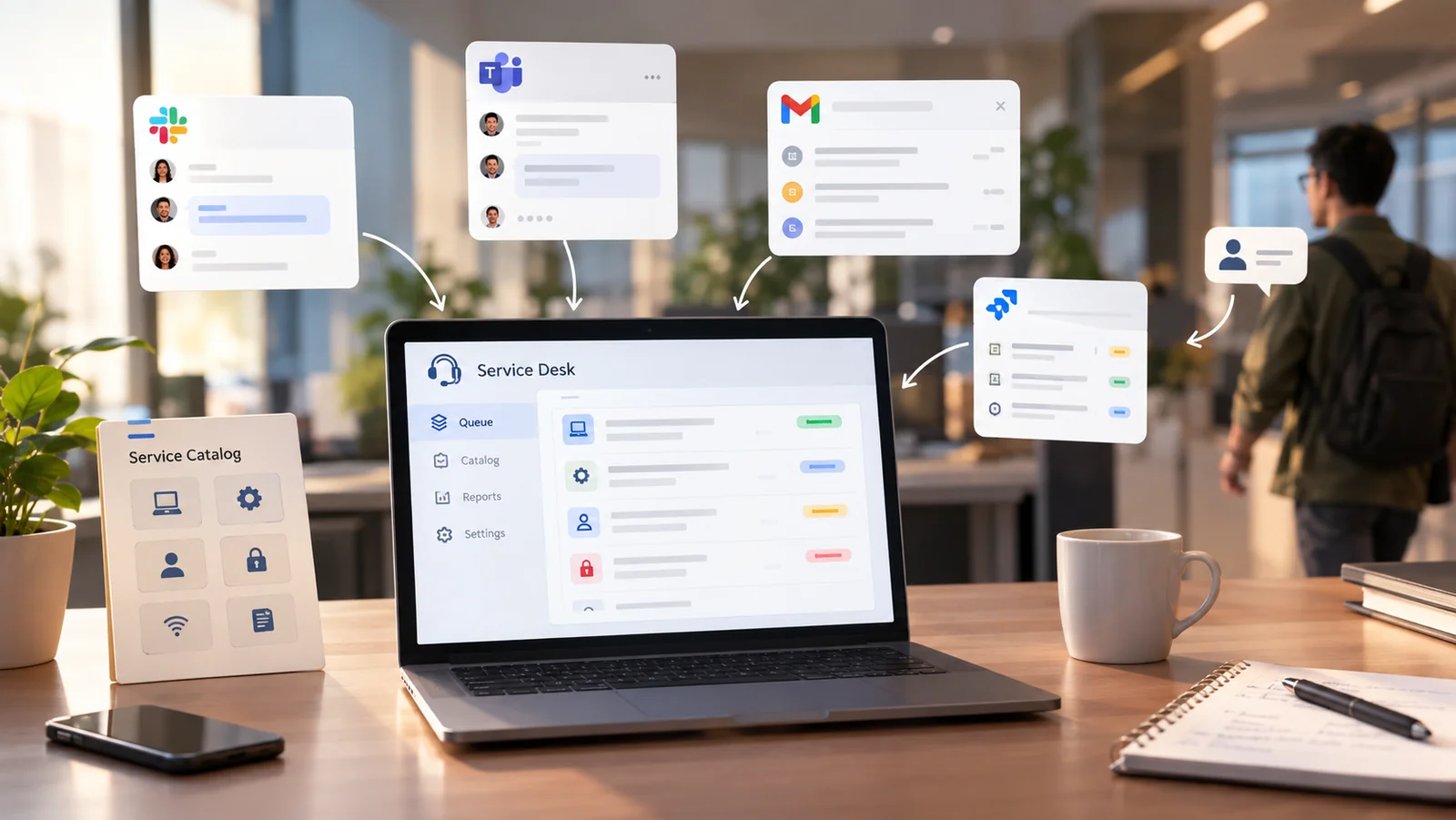
Requests arrive almost anywhere, so the queue that gets managed is only the part somebody noticed. Three chat channels, a shared inbox, a ticket tool half the company has forgotten, and a colleague stopped in the corridor. Whoever sees a request first picks it up. Nothing records the ones nobody saw. That means the workload cannot be counted, and the team ends up judged by how loudly people complain rather than by what it cleared. The question that actually matters stays unanswerable. Which kinds of request are we consistently slow on, and is that one overloaded team or all of them.
The solution
Every request comes in through one catalogue, with a form per request type, and lands in the queue of the team that owns it. Routing is by what the request is, not by who happened to see it. Priority sets a response and resolution target at the moment the ticket is created. Internal notes stay separate from what the requester reads. Reassignment between teams keeps the history, so a request that crosses three desks is still one request rather than three. Each team gets a view of its own queue and workload.
How BuildPad builds it
Again, a Marketplace template rather than a from-scratch build. The catalogue, the routing, the targets and the queue views are already working when the project starts. Tailoring covers your request catalogue and routing rules, your response targets per priority band, your staff directory and single sign-on, and the hand-off to teams outside IT who also receive requests, such as HR and facilities. Access is part of the model, so a requester sees their own tickets, an agent sees their team's queue, and that separation is enforced on the server rather than hidden in the interface. Typical delivery from the template is two to four weeks.
What changes
The backlog becomes a list instead of a feeling. Staff can see where a request sits without asking again somewhere else. Because every request is now in one place, the records show which categories run late every month, which is the evidence you need to justify the next hire. If you later run several internal applications on BuildPad, xAppHub puts them behind one portal with reporting across all of them, so the service desk is not another separate login.